
Disable Sophos Firewall CAPTCHA: WebAdmin and User Portal
CAPTCHA for the WebAdmin login and User Portal can be disabled in Device Console. Use the VPN-specific setting whenever possible. The global setting applies to WAN and VPN; when disabled, it overrides the VPN-specific configuration.
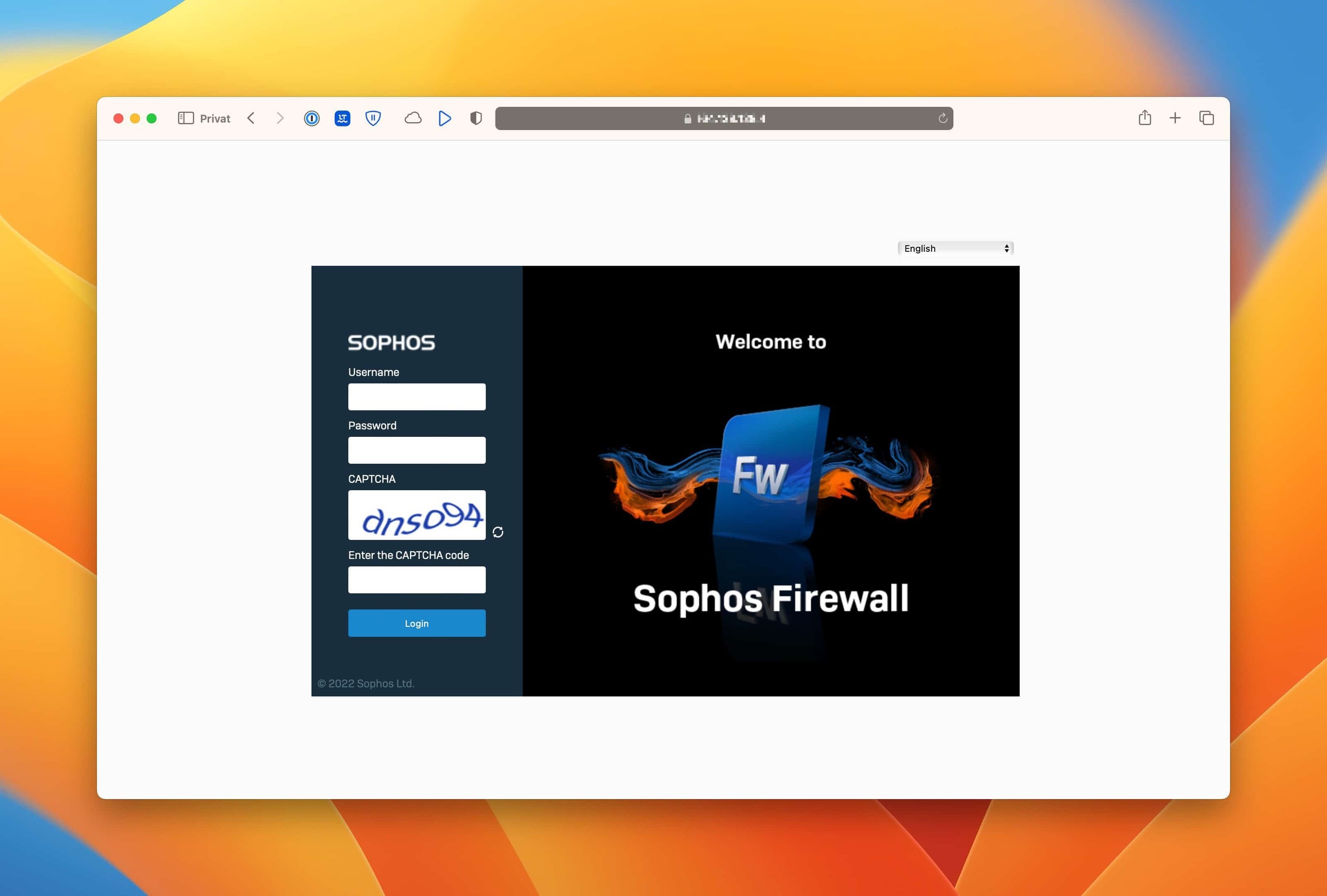
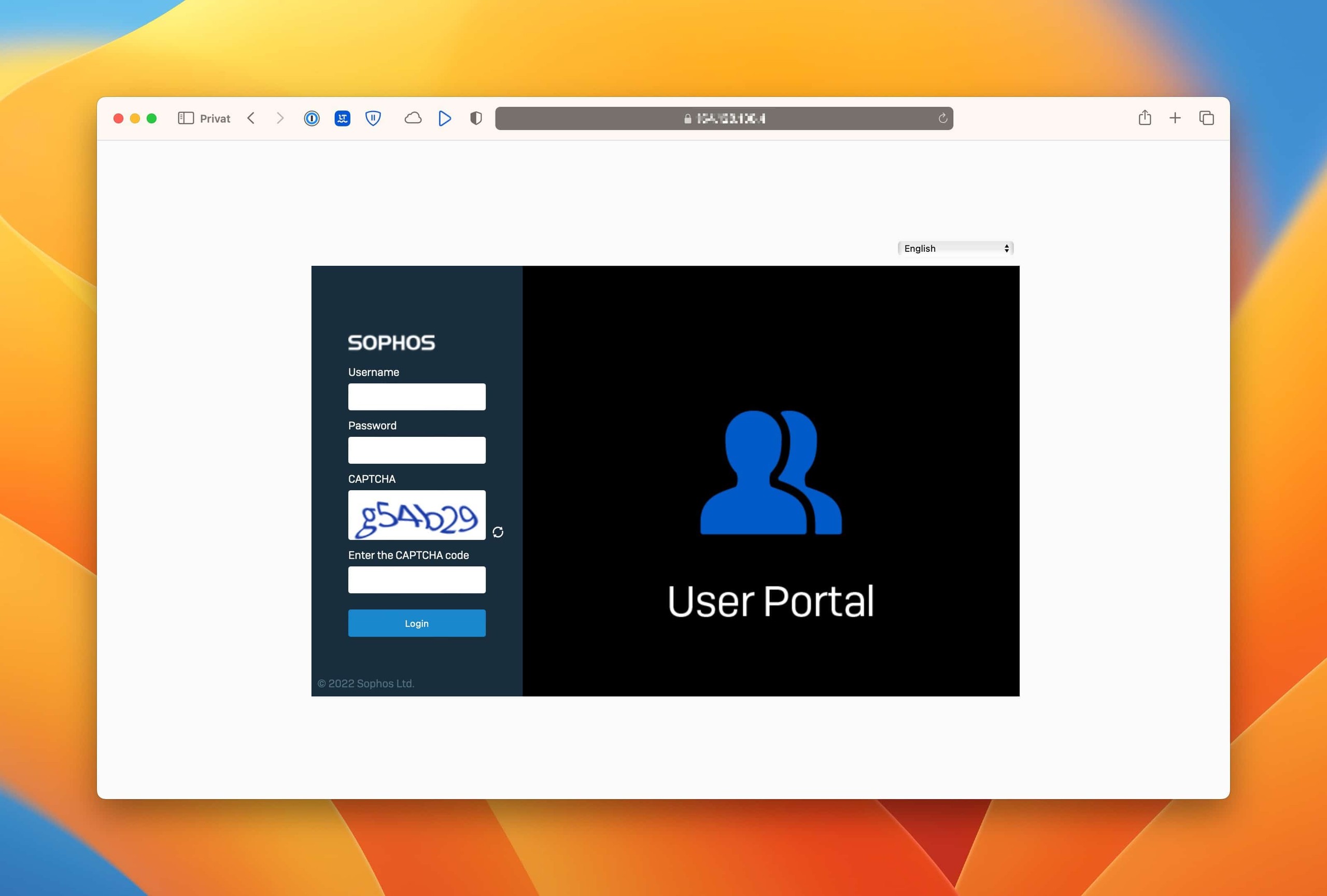
For access from WAN or VPN, SFOS requires a CAPTCHA by default from administrators signing in to WebAdmin and from local and guest users signing in to User Portal. An incorrect CAPTCHA isn’t counted as a failed sign-in attempt and doesn’t trigger Block login. Password, MFA, and authentication failures are evaluated separately, so CAPTCHA replaces neither Block login nor MFA.
⚠️ Warning: If the login page remains accessible from the WAN or an untrusted network, CAPTCHA should remain enabled and access should also be restricted with MFA and Device Access.
Change CAPTCHA in Device Console
Open Main Menu > 4. Device Console over SSH. The following commands belong at the console> prompt, not in the Advanced Shell. The article Connect to Sophos Firewall using SSH explains how to connect.
Check before disabling CAPTCHA
- WebAdmin or User Portal is accessible only from the zones and sources that are actually required.
- MFA is enabled for administrators and affected remote access users.
- Record the current status before the change and use it to define the rollback.
- For site-to-site IPsec connections with Remote Subnet
Any, CAPTCHA applies to all such tunnels. The following targeted alternative should therefore be considered before disabling CAPTCHA more broadly.
For this case, Sophos documents an IPsec route for a specific remote host or remote network so that CAPTCHA is not applied to access from that source. Instead of disabling CAPTCHA for all VPN access, only the host or network actually required is assigned to the appropriate existing tunnel. For tunnelname, choose the name of an original IPsec connection as displayed in the CLI; do not invent a new name or select a tunnel based on guesswork.
The supported manual route using ipsec_route applies to policy-based IPsec, not to route-based IPsec with XFRM. Before making a change, follow the IPsec routes procedure: record the baseline routes and Route Precedence, check the tunnel type, Traffic Selectors, competing routes and return path, and assign only the required remote host or remote network. The NAT example there is not an instruction to create NAT rules for this CAPTCHA case. Afterwards, verify the route, forward and return paths, and sign-in through the intended tunnel; when reverting the change, compare against the baseline and remove only the newly created route that can be unambiguously identified as belonging to this change. A route replaces neither Device Access nor MFA. If applicability to the SFOS build in use, the original connection name or the return path is unclear, stop before making the change and clarify the specific case with Sophos Support; do not blindly add a route or disable CAPTCHA globally instead.
The commands control only WebAdmin and User Portal. They do not disable CAPTCHA on VPN Portal or SPX Portal and do not change SSL VPN or IPsec tunnels. CAPTCHA therefore remains permanently active in the SPX email encryption workflow.
SFOS 22.0 GA: Because of issue
NC-173054, VPN-specific disabling does not work reliably for SSL VPN users. Upgrade to SFOS 22.0 MR1 Build 490 or later. Disabling CAPTCHA globally is not a suitable workaround.
The commands follow this structure:
system captcha-authentication-SCOPE ACTION for TARGET
Replace the placeholders as follows:
| Placeholder | Value | Meaning |
|---|---|---|
SCOPE | global | Applies to WAN and VPN and overrides vpn |
SCOPE | vpn | Applies only to access over a VPN interface |
ACTION | show, disable, or enable | Show status, disable, or enable |
TARGET | webadminconsole or userportal | WebAdmin login or User Portal |
The notation with SCOPE, ACTION, and TARGET is only a syntax explanation and is not a command that can be copied.
Recommended approach: Change WebAdmin only over VPN
First check the current value and record whether webadminconsole is reported as enabled or disabled:
system captcha-authentication-vpn show for webadminconsole
Then disable CAPTCHA only for WebAdmin access over a VPN interface:
system captcha-authentication-vpn disable for webadminconsole
Immediately verify the stored setting with the same read-only command:
system captcha-authentication-vpn show for webadminconsole
The status must now indicate that CAPTCHA is disabled. Also test in a new private browser window over the intended VPN interface. A LAN test is unsuitable because SFOS doesn’t require CAPTCHA there anyway.
Choose User Portal or the global scope
For User Portal, use userportal as the target. The safe sequence of pre-check, change, and post-check remains the same:
system captcha-authentication-vpn show for userportal
system captcha-authentication-vpn disable for userportal
system captcha-authentication-vpn show for userportal
Use the global scope only when CAPTCHA must deliberately be disabled for both WAN and VPN access. This increases the attack surface, and a disabled global setting overrides the VPN-specific setting:
system captcha-authentication-global show for webadminconsole
system captcha-authentication-global disable for webadminconsole
system captcha-authentication-global show for webadminconsole
Here too, replace webadminconsole with userportal when changing User Portal. Don’t mix the targets: each command changes only the specified login page.
Restore the exact original value
Don’t set enable unconditionally; restore the value recorded during the pre-check. If the VPN-specific WebAdmin setting was enabled before the change, the rollback is:
system captcha-authentication-vpn enable for webadminconsole
system captcha-authentication-vpn show for webadminconsole
If it was already disabled, leave it disabled or restore it with system captcha-authentication-vpn disable for webadminconsole. The same principle applies to userportal and the global scope: reuse the exact scope, target, and previous value, then verify with show.
The documented default is enabled. The SFOS 22 CLI doesn’t document a separate reset action for these commands. To deliberately return to the product default, use enable for the relevant scope and target, then verify the result with show.
Frequently asked questions
Can CAPTCHA be changed separately for WebAdmin and User Portal?
webadminconsole or userportal as the target.Does the setting also apply to VPN Portal or SSL VPN?
captcha-authentication-vpn only means that the WebAdmin or User Portal setting applies when access takes place over a VPN interface. VPN Portal and VPN tunnels are configured separately.