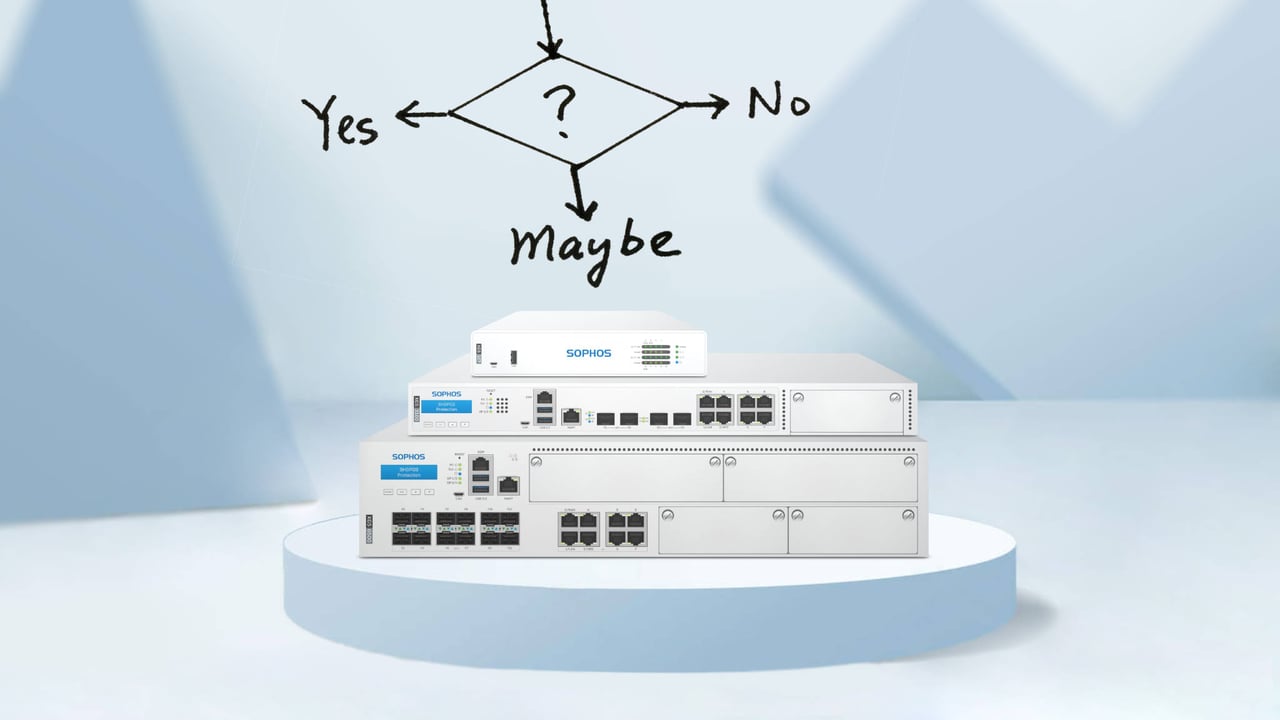
Is it worth buying the new XGS hardware?
I do not know about you, but for products that I use every day and that are indispensable to me, I always keep a close eye on how they are developing. This mainly concerns technical devices, but I am also a bit of a geek. 😄
For all these devices, I follow a clear strategy for when it is time to replace the product with its successor. In this blog post, I apply this strategy to the Sophos firewall to find out whether it is worth switching to the new XGS hardware or not.
Spoiler: in most cases, it actually is not. 🤐
Four reasons to consider buying a new XGS firewall
The new XGS hardware has been on the market since April 2021. There are various factors that determine when buying XGS hardware really makes sense. In the following section, we look at four signs that can justify a purchase decision:
1. Defect
If a device fails and the warranty has expired, things often have to move quickly and there is no time for in-depth research. In such cases, you should already know how to get the infrastructure back up and running and what delivery times for a replacement device might look like. The firewall is the heart of the network, and hardly anyone can afford a longer outage. Companies with more than 20 employees often have an HA solution in place, which can ease the situation somewhat in the event of a failure.
SG firewall with UTM OS 🤕
Unfortunately, we often see customers with SG hardware that still use the UTM OS. In such a situation, buying an XGS firewall is not recommended. The aim is to restore operations as quickly as possible, and there is no time for a migration to SFOS. You should therefore order the same SG firewall model as quickly as possible in order to restore the configuration from the backup with minimal effort.
We generally recommend that all customers who are still using an SG firewall with the UTM operating system consider migrating to SFOS. License migration is free of charge and the remaining term is transferred 1:1. The following guide can help you with the migration: Install Sophos XG Firewall OS on an SG appliance
If you need support for migrating from UTM to SFOS, we are happy to help. The die-hard UTM fans among you, who definitely do not want to switch to SFOS, can simply wait until the UTM OS reaches end of life. This will certainly not be before the end of 2025. However, the following two blog posts might persuade you to change your mind:
- Sophos UTM: end of support at the end of 2021
- Seven reasons why the XG firewall (SFOS) is better than UTM
2. No more updates
If software has not received any updates for more than a year, my attitude towards it changes. After more than two years (often earlier), I start looking for alternatives to replace it. For that reason alone, it would be a no-go for me if updates could no longer be installed on the Sophos firewall.
Currently, ASG and UTM 120/220/320/425/525/625 are no longer compatible with the latest firewall firmware, which means they no longer receive updates. All other SG hardware models that still have a current license continue to receive updates and can be migrated to SFOS.
The question, therefore, is whether there are actually any alternatives if no more updates are available. Today, the only remaining option is essentially to replace the unit with a new firewall that meets the relevant requirements. This is why the hardware models mentioned above are declared end of life. It is all the more important that customers use firewalls that belong to the mainstream and not to the outliers that end up on this list:
If you have another model that currently does not receive updates but could potentially receive them again (e.g. an SG or XG model), it may be worth waiting. However, you should closely monitor how the end-of-life status of the respective devices develops so that you can plan a possible migration in good time.
We generally recommend that all customers who have installed SFOS on their SG firewall or who have an XG firewall check whether SFOS v18.5+ can still be installed on their appliance. In the following post, we describe which devices will no longer receive the latest version: Sophos firewall appliances: supported hardware for SFOS v18+
Note: Sophos initially planned to discontinue updates for SG firewalls with SFOS and XG firewalls of the older generation as well. However, at the beginning of 2021, Sophos abandoned this plan, and all current SG and XG models continue to receive the latest SFOS versions.
So if you do not have an older revision of an SG or XG firewall that no longer receives updates, I cannot really recommend buying an XGS firewall here either.
3. No more warranty
Another important aspect of my personal purchase strategy is the warranty of a product. As soon as this expires, I automatically check whether there are options for extending it or whether it is time to replace the product.
XG firewalls come with a five-year warranty when the appropriate license is in place. If you bought the first revision of an XG firewall back in 2016, your firewall is therefore no longer covered by the manufacturer’s warranty by now at the latest. In this case, I would consider the following two scenarios:
- A single appliance is in operation: here, the risk would be too high for me and I would replace the hardware with a new XGS model.
- There are two appliances in a HA cluster: here too, I would aim for a replacement. If the budget is not available, you can wait until one of the two firewalls fails and then buy two new XGS models.
4. Insufficient performance
The last point on my list that can influence a decision to buy a new product is its performance. It can happen that firmware updates slow down a device over time, as new features are added. Or your own requirements simply change so that the original level of performance is no longer sufficient.
These considerations can also be applied to a Sophos firewall. Check the utilization of your firewall, as the number of devices in your network or the number of employees may have changed over the last few years, meaning that the originally required performance no longer matches current needs. In such a case, switching to an XGS firewall is certainly not a bad idea, provided the budget allows it. The license can often be transferred to the new appliance free of charge.
If, on the other hand, you have a current SG or XG firewall that still receives the latest SFOS updates (SFOS 18.5+), is still covered by the manufacturer’s warranty and does not show any performance issues, then buying an XGS firewall is not worthwhile. You should only keep an eye on the end-of-life date of the XG firewalls. Sophos recently postponed this date from 31/12/2024 to 31/03/2025.
Summary
If I apply the four points of my personal purchase strategy to the XGS firewall, very few existing customers are likely to need to take action. For new customers, the case is clear, and we always recommend XGS hardware here. To support you in your purchase decision, I have put together a flow chart for you. Just work through it and you will see our clear recommendation at the end.

If you already have an XG firewall and are still undecided, I recommend the following blog article, which explains the difference between an XG firewall and an XGS firewall:
In short: the key advantages of the new XGS hardware
The XGS series delivers significantly better performance by processing traffic more intelligently and efficiently and by offloading certain tasks, such as TLS inspection, to dedicated hardware. The new dual-processor architecture with a multi-core CPU and an Xstream Flow Processor enables stronger hardware acceleration. Further processes will be optimized for the new hardware in upcoming SFOS releases.
Each unit includes a 64-bit CPU and a separate Xstream processor, also referred to as a Network Processing Unit (NPU). The new series comes with additional network interfaces and allows optional modules to be added, giving you more flexibility when choosing connectivity options. The XGS series now also offers PoE ports (Power over Ethernet) and fail-to-wire (bypass), so traffic can keep flowing even if the device loses power.
Network Flow FastPath
Unlike the virtual FastPath in the XG series, which is processed by the CPU, FastPath in the XGS series is handled by the Xstream Flow Processor. It sits between the CPU and the physical ports via PCIe (PCI Express). This means traffic offloaded to FastPath is processed by the Xstream Flow Processor, leaving the CPU with more headroom for tasks that cannot yet be offloaded.

Fail-to-wire
Fail-to-wire is a fault tolerance feature that protects corporate communications in the event of a power failure. In this situation, WAN and LAN are bridged, which transparently protects network connectivity. The relay creates a physical connection between the two ports in the bypass pair and forwards traffic regardless of whether or not power is available.
Note: fail-to-wire is not enabled by default and must be configured via the advanced shell using the xgs-ftw command.

Promos
Have you come to a decision and would like to purchase a new XGS firewall? Then do not forget to take a look at our promo page first. Discount specialist Sophos has a suitable promotion ready for almost every scenario. 😅